


Printing Digital Craft Papers and Digital stamps at Home: Let’s Bust a Few Myths!
“Digital papers/stamps aren’t as good as real papers.”
“Printing your own is too expensive.”
Sound familiar? If you’ve thought either of those things, you’re certainly not alone! But before you rule out digital downloads, let me explain why the design, paper and printing choices make such a difference.
And why I’m a bit of a geek about ALL of it!
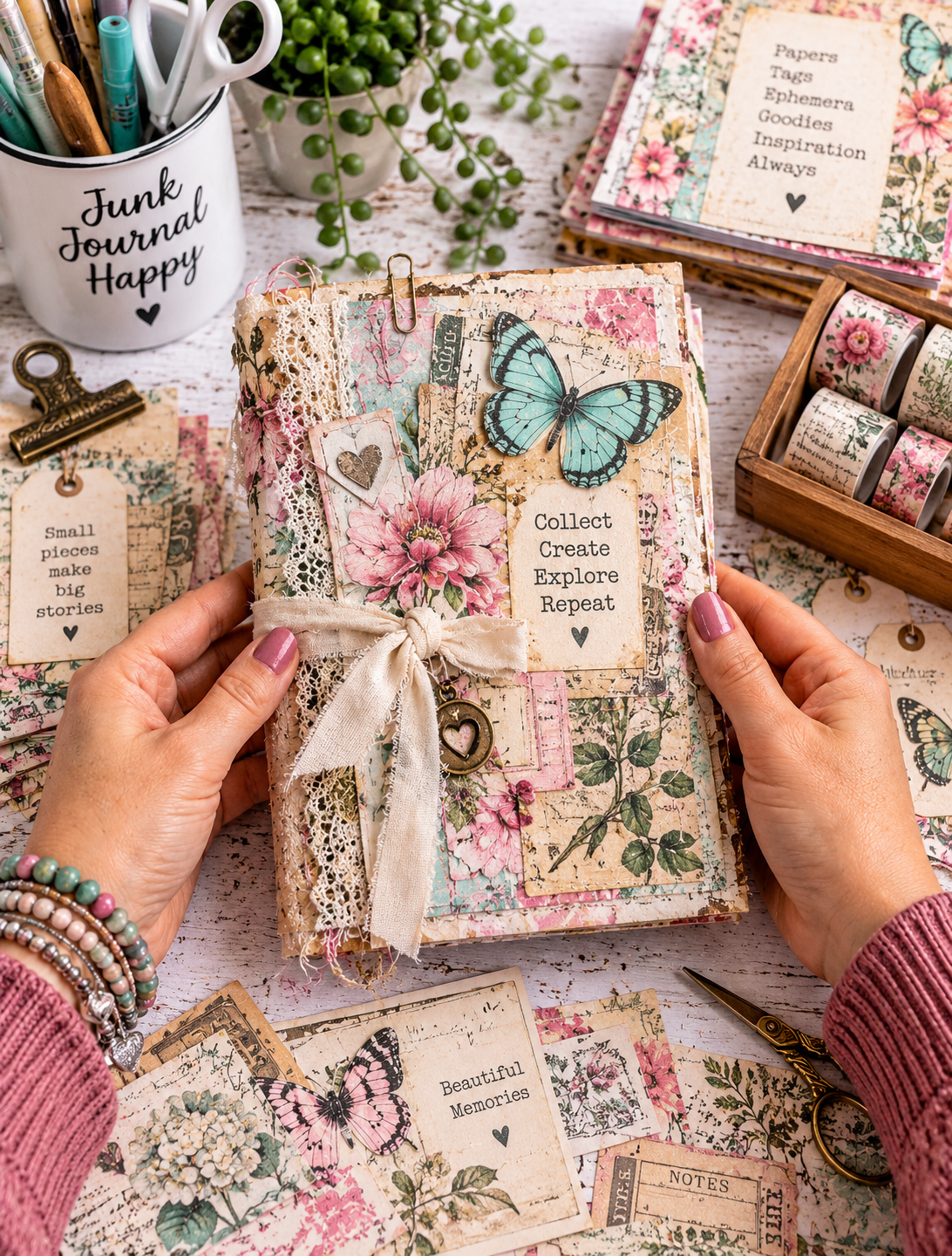

“Digital Papers and Digital stamps aren’t as good as real ones.”
Errr… they absolutely CAN be! It depends on how well they’ve been designed and how you print them.
Not every digital paper or digital stamp is created to the same standard. I build quality into my Polkadoodles files, creating high-resolution designs with the finished print in mind.
You can also take your Polkadoodles files to a professional print shop and have them printed for your own crafting, in line with our terms of use. Digital doesn’t have to mean printing at home!
At home, three things make a huge difference: your printer, your ink and, most importantly, your PAPER.
A beautiful file can’t make unsuitable paper or poor print settings give a beautiful result. But get that combination right, and digital papers can look gorgeous.
“It’s expensive to print your own.”
Well… it CAN be. Particularly if a design uses lots of ink without any thought about the person printing it.
Every paper I design is carefully considered. I don’t just churn these out with AI. They take time and care, and I think about what YOU need when you’re sitting at home making something lovely.
You’ll rarely find a completely solid-red paper in my collections. There’s a reason for that!
Printing a whole sheet of solid red uses a lot of ink. Some home printers can also struggle to produce a perfectly even block of colour without streaks or lighter patches.
If you want plain red Christmas paper, my advice is to reach for your ‘real’ paper packs or red cardstock. Be realistic and be smart about what you print!
Use your digital papers for the patterns and designs you love, and combine them with the supplies you already have.
I have an HP inkjet next to my desk, and I print every paper I make to check the result. I want it to look good, print without an age-long wait and be economical to use.
Who wants to spend 10 minutes waiting for one sheet?!
What have KITKAT wrappers got to do with craft papers?
Quite a lot, in my case!
The reason I work this way—and CAN work this way—goes back to my previous ‘real’ job.
I worked in a big factory where, to cut a long story short, I was directly involved in the process of getting KITKAT chocolate wrappers onto the bars. Yes, I really was!
I proofread those labels all day long, checking for mistakes and making sure the print quality was good. Part of my job was also estimating how much ink the production line needed to print each batch.
Commercial printing can use specially mixed inks as well as four-colour printing. With four-colour printing, colours are built from cyan, magenta, yellow and black—often called CMYK.
My work involved calculating ink requirements to reproduce those familiar packaging colours, including KITKAT red and Cadbury’s purple.
Boring? To some, perhaps!
But I’m a total paper geek, and paper goes hand in hand with ink and colour. I’m a paper and colour geek, through and through.
That experience comes with me when I design your printables. I’m thinking beyond the pretty pattern on the screen: how will it print, how much ink will it need, and how will it look when you craft with it?
And THIS is why my printables are different! There’s care, practical printing knowledge and years of experience behind every design.
Getting started doesn’t have to cost a fortune
If you’re apprehensive about printing at home because of the cost, it might be worth another look.
Basic home inkjet printers can be found around the £60–£80 range, roughly US$80–$107 or €72–€95 as an approximate currency conversion. Local shop prices will vary.
Before buying, check that the printer accepts the paper sizes and weights you want to use. A low price is only good value if the machine does what you need!
I recently changed to an HP ENVY printer with an ink cartridge subscription, and it’s saving me a fortune on ink! It’s also much more convenient than constantly having to go out and buy replacement cartridges.
With HP Instant Ink, my internet-connected printer lets HP know when the ink is running low, and replacement cartridges are sent automatically before I run out. No stockpiling and no last-minute trips for ink!
Choose a plan based on the number of pages you print, starting at £1.79 per month—so there’s an option even if you only print a few sheets each month.
Check printer compatibility, current prices, page allowances and subscription terms before choosing your plan.
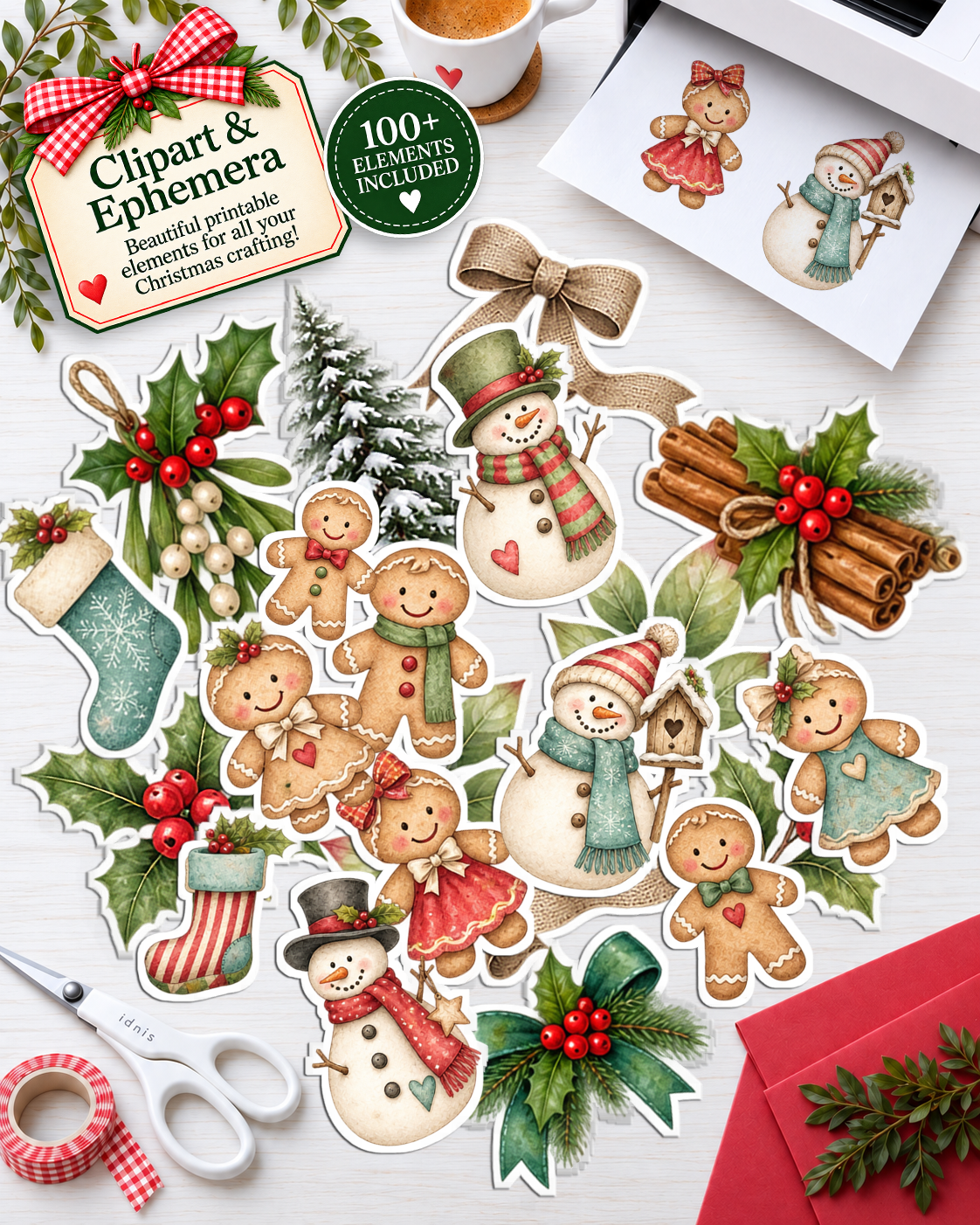
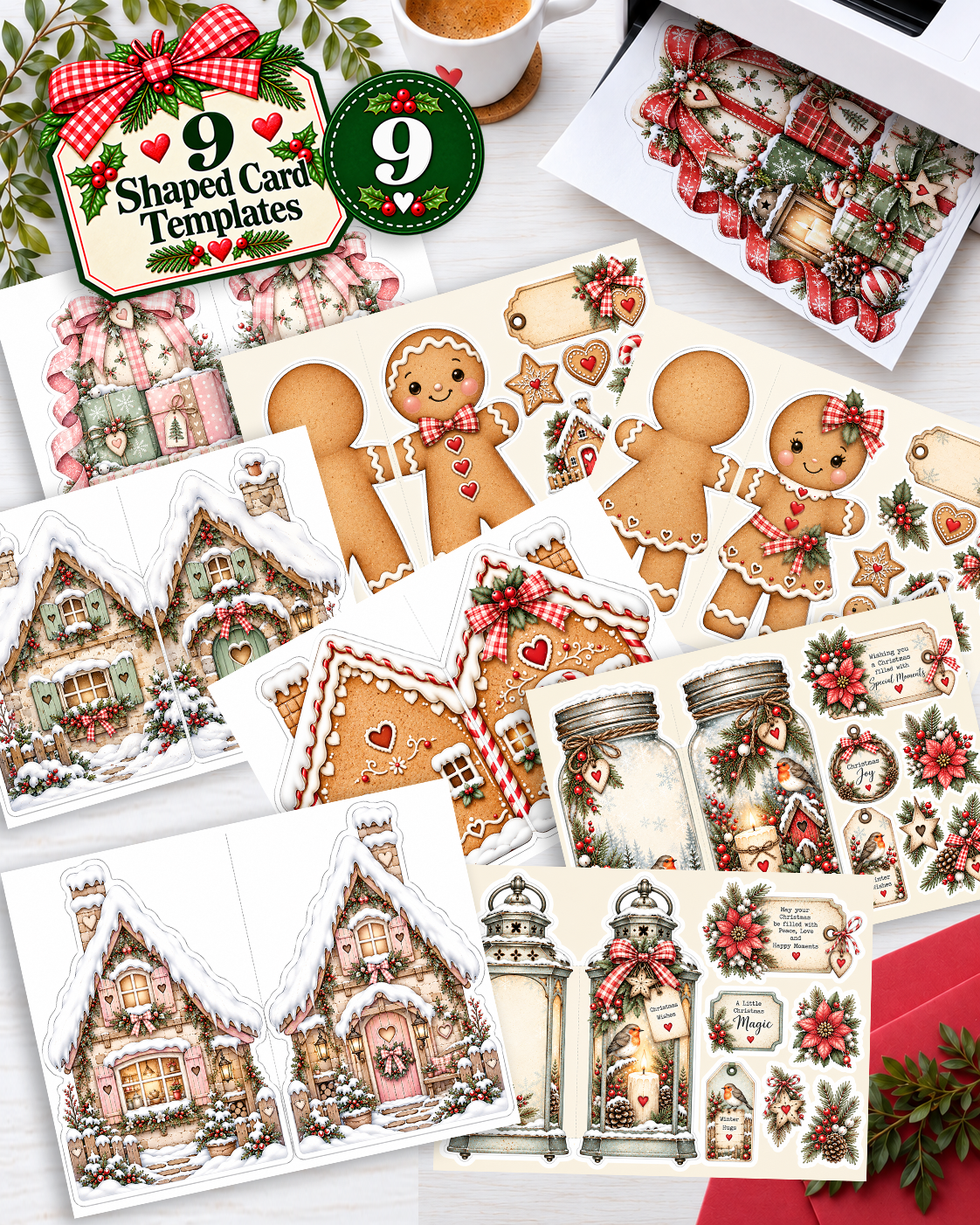
Buying a new printer? BEFORE you go to the shop…
Research, research, research! Don’t just pick the printer with the cheapest price tag. A little homework could save you a lot of money—and frustration!
1. Find printers within your budget
Make a shortlist, but check the price of replacement ink or toner at the same time. A bargain printer might not be such a bargain when you discover what it costs to run!
2. Ask AI to help you compare them
Tell it exactly what you need: printing colourful craft papers, digital stamps to colour, the paper and cardstock weights you use, your budget and roughly how many sheets you print each month.
Ask it to recommend five suitable models and compare their running costs and paper-handling limits, with links to the manufacturer’s information.
3. DOUBLE-CHECK!
AI can—and DOES—make mistakes!
Find the exact printer model on the manufacturer’s own website, then look for Product Specifications, Technical Specifications or the downloadable product manual.
Yes, it might be a long list of information. But these are the key things to look for as a crafter!
What weight of paper and cardstock will it take?
Look for “supported media weight”, “paper weight” or “media handling.” This is usually shown in gsm or g/m², sometimes alongside lb.
Check the limits for the paper type and feed tray you’ll actually use. A printer that accepts heavyweight photo paper doesn’t necessarily accept every cardstock of the same weight!
If you use American paper weights, check whether the figure refers to bond, text or cover stock—the pound numbers aren’t directly interchangeable.
Don’t assume a printer will take your favourite cardstock. Check before buying!
How fast does it print?
Look for “print speed”, usually shown as pages per minute (ppm) or images per minute (ipm).
Check the colour speed, not just black-and-white, and compare equivalent quality settings. A headline draft speed won’t tell you how quickly it prints a detailed patterned paper at high quality.
What is the cartridge PAGE YIELD?
This one deserves your attention!
Page yield is the estimated number of pages a cartridge can print under standard test conditions. You may need to look on the replacement cartridge’s product page to find it.
But it isn’t a promise that you’ll get that many full-colour craft sheets. A densely patterned page can use much more ink than the documents used in the tests.
Check the cartridge price AND the yield. A higher-yield cartridge might cost more to buy but less per page.
Yield alone won’t tell you whether it’s a thirsty beggar—it needs to be considered alongside the price and what you’re printing!
If you’re choosing an ink subscription, compare the monthly fee, included pages and extra-page charges instead.
How much printing is it designed to handle?
Look for these two specifications:
-
Recommended monthly page volume: the manufacturer’s suggested range for regular monthly printing. Choose a printer suited to the amount you expect to print.
-
Monthly duty cycle: the maximum monthly output rating. This is a capacity figure, rather than a target you should aim to reach every month.
Neither figure tells you exactly how many years the printer will last. And a subscription with a small page allowance doesn’t mean the printer itself can only handle that many pages!
Put your top five printers side by side
Write down these details for the top five printers AI recommends, then put them into a comparison table like this. Remember to verify the information on each manufacturer’s website!
| What to compare | Printer 1 | Printer 2 | Printer 3 | Printer 4 | Printer 5 |
|---|---|---|---|---|---|
| Exact model name | |||||
| Purchase price | |||||
| Supported paper/cardstock weights and types | |||||
| Maximum paper size | |||||
| Colour print speed | |||||
| Replacement ink or toner price | |||||
| Black and colour cartridge yields | |||||
| Estimated running costs or subscription price | |||||
| Recommended monthly page volume | |||||
| Maximum monthly duty cycle | |||||
| Main advantages for my crafting | |||||
| Limitations to consider |
Seeing everything together makes the strengths and weaknesses much easier to spot. You can make an informed choice based on what YOU need, rather than the price on the shelf.
Look around £10 above your ideal budget, too, if you can. Sometimes spending just a little more gets you better paper handling, useful features or lower running costs. It won’t always—but it’s worth checking!
That slightly more expensive printer could turn out to be the better bargain for your crafting.

Paper is EVERYTHING!
As crafters, we want our cards and crafts to look their best at every opportunity. We want beautifully vibrant colour, crisp detail and accurate printing, so choosing the right printer, ink and paper is key to getting a good result. And the printables themselves, of course!
If there’s one thing I want you to take away from this, it’s this: choose the right paper.
Cheap 80gsm copier paper is useful for everyday documents, but it wouldn’t be my choice for beautiful patterned craft papers. Unsuitable paper can leave colours looking dull and details less crisp—and reprinting disappointing sheets wastes both paper and ink!
This is why we offer our Ultimate Graphic paper. It’s manufactured specifically for printing graphics, with a surface suited to both inkjet and laser printing at home. It's the ONLY paper we use for our printing, whether I'm printing a digital stamp, a pretty collaged paper or packaging for a product. We have sold millions of sheets of this paper in our 19 years in business!
It’s ultra-bright white, giving your colours a lovely clean background, and super smooth while retaining a fine ‘tooth’—the texture of the paper’s surface. It’s designed to handle ink without excessive absorption, helping you achieve crisp detail and beautiful colour.
Smooth doesn’t have to mean glossy! Our Ultimate Graphic paper isn’t a glossy photo paper. It gives you a smooth surface for your craft prints without that shiny photographic finish.
I know many people use expensive gloss photo paper to get the colour they want. Before assuming you need expensive paper, check your ink and print settings, too. If your cartridges are giving disappointing colour, a better-quality ink may help you get lovely results on a more affordable paper suited to your project.
Gloss photo paper has its uses, but you don’t need it for every patterned paper or craft printable!
Paper prices keep going up—I know that only too well—but ink can be a major part of your printing costs, too. Buying cheap paper isn’t a saving if you end up throwing away the results and printing everything again.
Finally, select the correct paper type in your printer settings. This helps the printer apply ink appropriately; it doesn’t automatically recognise every sheet you load.
You don’t necessarily need the thickest or most expensive paper. You need the right paper for the job!
How does the cost compare with a shop-bought pack?
Let’s use our own paper packs as an example, taking £4.99 for 30 sheets as a starting point. (2026)
That works out at approximately 17p per sheet.
To make a fair comparison with home printing, you need to include the digital download, blank paper and ink or toner. You also need to compare the same finished sizes—a 6 × 6-inch sheet and an A5 sheet aren’t the same size.
I’m not going to tell you that every home-printed sheet is automatically cheaper. It depends on your supplies, your printer and what you print.
But there’s another part of the value: you can print the design you actually want to use. OVER AND OVER AND OVER AGAIN. You can resize it. You can't do that with a page you pull out of a 'real' paper pack. AND, once you used it, it's gone!
We’ve all had a paper pack where our favourite pattern disappears first, while other sheets sit untouched. With digital papers, you can print another copy of your favourite when you need it, within the download’s terms of use.
Our digital printables are LIFETIME access. Imagine being able to just get a continuous supply of your favourite paper pack over and over from the store? THAT. But you can also edit that paper too if you want to. When you press print, change the paper size to make it smaller, you can get more on a sheet that way too so you don't waste white paper space. You can even change the colour - it's your paper, you can change it how you want! (check licence, printables are yours to use under a licence but you do not own the artwork and must not share, sell it or redistribute it in any way with anyone else).
Inkjet or laser: what’s the difference? It's a lot!
Inkjet printers apply tiny droplets of liquid ink to the paper. They can produce beautiful colours and fine detail, making them a useful option for patterned papers and printable images.
Laser printers use powdered toner, which is fused onto the paper using heat. They can produce crisp text and graphics, and toner doesn’t dry out between uses.
Colour laser printers cost more upfront than basic cartridge inkjets. Replacing several toner cartridges together can also mean a substantial bill, although they may print many pages before needing replacement.
Whether laser saves you money depends on the machine, what you print and how much you print. Compare the running costs as well as the purchase price.
And laser doesn’t automatically mean brighter colour! Both technologies can give lovely results. The printer, paper, supplies and settings all play a part. Having both in our business - I would say from experience that a laser is an expensive option for a home user - but it will allow you to foil your own projects if you love foiling!
Does your choice of ink matter?
Yes!
Original manufacturer inks are formulated for that brand’s printers and recommended papers, helping give consistent, predictable results.
Compatible inks are often cheaper, but quality varies. A different formulation can change the colours you see on the page.
That doesn’t mean every compatible ink is poor. It does mean that if your prints suddenly look different after changing inks, the file is not the cause. Check your paper, ink, print settings and printer maintenance before giving up on the design!
Colouring your printed images
Printing patterned papers is one thing. Printing digital stamps to colour is another—and a quick test is your best friend!
Print a small image on your chosen colouring paper and try your colouring medium across the outlines before starting a whole project.
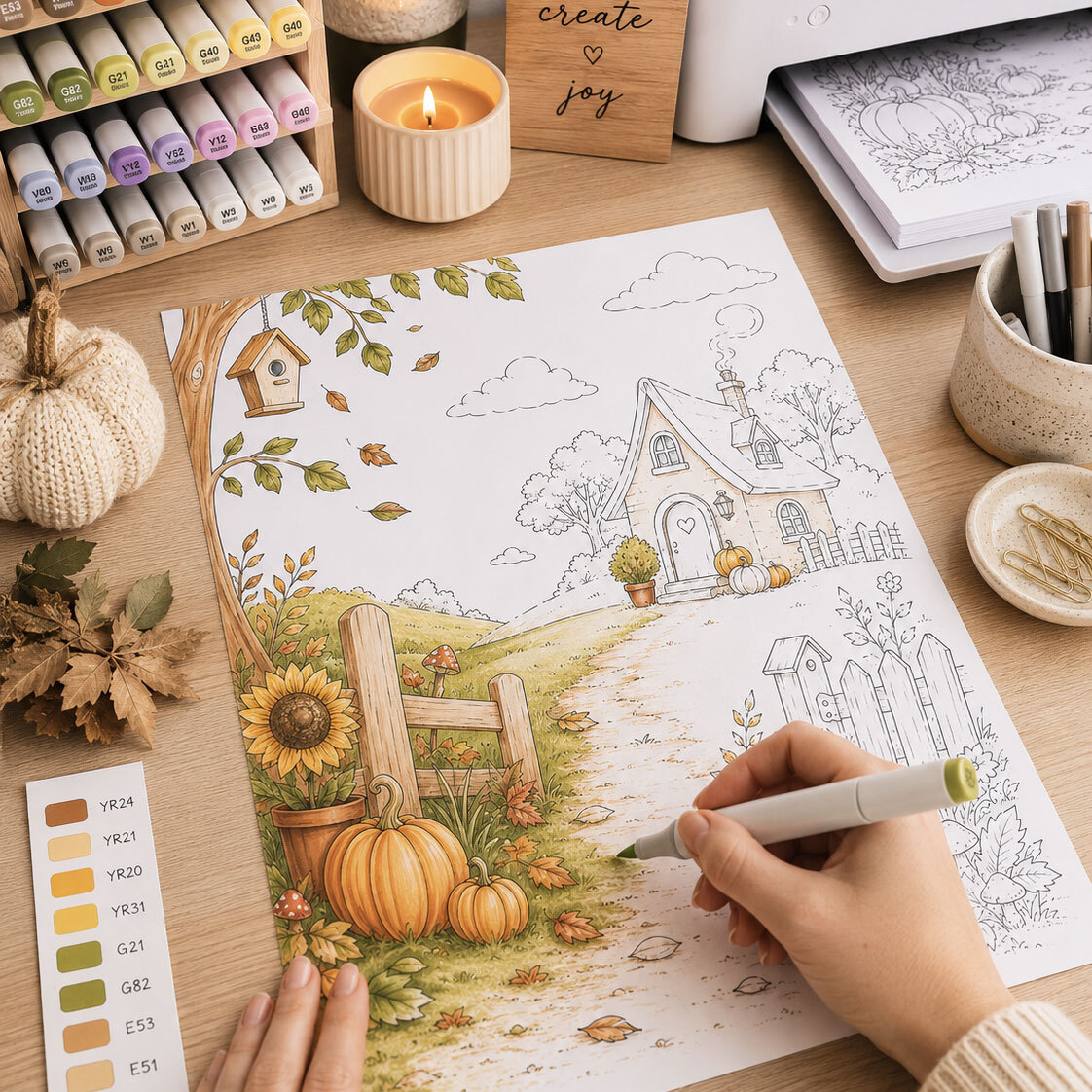
Alcohol markers, including Copics
Many crafters successfully colour inkjet printouts with alcohol markers, but some printer inks can smear or bleed.
Heat-fixed laser prints can also work well. Copic recommends this type of laser printing and advises testing inkjet prints first.
There isn’t one rule that guarantees success with every printer, ink, paper and marker combination. Test your own supplies!
Water-based markers and watercolour
Laser toner is generally water-resistant once properly fused.
With inkjet prints, water resistance depends on the ink. Some inks can bleed when you add water, so check first, use a light application and avoid repeatedly working over the outlines.
Use paper suitable for your printer AND your colouring technique.
Colouring pencils
Pencils generally work with either printer type. Let the print dry fully and choose a paper with enough texture, or ‘tooth’, for your pencils to grip.
Give digital a try—one sheet at a time!
You don’t have to replace your paper stash or print a whole collection at once.
Start with one design you love. Use suitable paper, check your settings and print a test sheet. Combine it with your favourite cardstock and the craft supplies already on your desk.
For me, digital crafting is about giving you more choice and helping you create. And behind every Polkadoodles paper is someone who gets ridiculously excited about paper, ink and colour!
Ready to try it for yourself? Explore our digital craft downloads here.
Recent Posts
-
Printing Digital Craft Papers and Digital stamps at Home: Let’s Bust a Few Myths!
“Digital papers/stamps aren’t as good as real papers.” “Printing your own is too expensive.” Sound f …24th Oct 2026 -

I think these are THE best card making and craft cleanup tools...ever!
...and here's why...Hello my crafty friends!For a really long time I've been looking for a way to cl …21st Jun 2024 -

Colouring tutorial - Winnie sitting on the dock with her toes in the water...
Hi everyone! This is Wendy!I have been having SOOOO much fun creating summer and beach cards with th …2nd Jul 2023


